Guide
Installation guide
Platform-specific install and update steps for macOS, Linux, and Windows.
Read INSTALLATION.mdThe command layer for AI work.
Use this page as the documentation front door when you need install steps, workflow routing references, and release context in one place without diluting the main product proof.
From logs and intent to the next AI action.
Quick finder
Type what you are trying to do, or use a quick query. The cards below filter instantly so the docs hub feels closer to a command palette than a static link list.
Shared links preserve the current search in the `?q=` URL query.
Guide
Platform-specific install and update steps for macOS, Linux, and Windows.
Read INSTALLATION.mdGuide
Day-to-day commands, examples, and the main loop surface around go, swap, take, again, learn, and inspect.
Read USAGE.mdGuide
Complete walkthrough: installation, the core loop, take --deep pipeline, LLM provider formatting, config, history, and troubleshooting.
Read docs/guide.mdGuide
전체 사용 설명서: 설치부터 take --deep 파이프라인, LLM 프로바이더 설정, 히스토리, 문제 해결까지.
docs/guide.ko.md 읽기Guide
Complete flag tables for every command: go, swap, take, learn, inspect, setup, doctor, history.
Read docs/reference.mdGuide
Setup, doctor, routing mechanics, targets, roles, templates, shortcuts, history, delivery modes, and troubleshooting.
Open router guideGuide
Narrative and commands used to explain the single proof loop across demos and README captures.
Open demo scriptReference
High-level product framing and quick-start path for new users.
Open readmeReference
Release-by-release product story from identity to repeatable workflow.
Open changelogReference
Installable binaries and tagged release history on GitHub.
Open releasesReference
Browse the repository directly when you want implementation detail or current project status.
Open sourceGuides
These are the documents most people need first when moving from evaluation into regular use.
Start here
Platform-specific install and update steps for macOS, Linux, and Windows.
Read INSTALLATION.mdDaily use
Day-to-day commands, examples, and the main loop surface around go, swap, take, again, learn, and inspect.
Read USAGE.mdFull manual (English)
Complete walkthrough: installation, the core loop, take --deep pipeline, LLM provider formatting, config, history, and troubleshooting.
Read docs/guide.mdFull manual (한국어)
전체 사용 설명서: 설치부터 take --deep 파이프라인, LLM 프로바이더 설정, 히스토리, 문제 해결까지.
docs/guide.ko.md 읽기Command reference
Complete flag tables for every command: go, swap, take, learn, inspect, setup, doctor, history.
Read docs/reference.mdRouter story
Setup, doctor, routing mechanics, targets, roles, templates, shortcuts, history, delivery modes, and troubleshooting.
Open router guideDemo asset
Narrative and commands used to explain the single proof loop across demos and README captures.
Open demo scriptMedia and proof
The landing page sells the workflow. The docs hub helps users verify that the workflow is grounded in visible setup, routing, history, and delivery behavior.
First-run config, DeepL readiness, and diagnostic confidence before the tool enters daily use.
Visible multilingual composition and recent-run reuse instead of invisible one-shot translation.
App launch and prompt handoff as part of the workflow surface rather than an external manual step.
Promotion assets
These assets carry the same product spine as the site hero and GitHub social preview, so the public message stays aligned when you publish outside the repo.
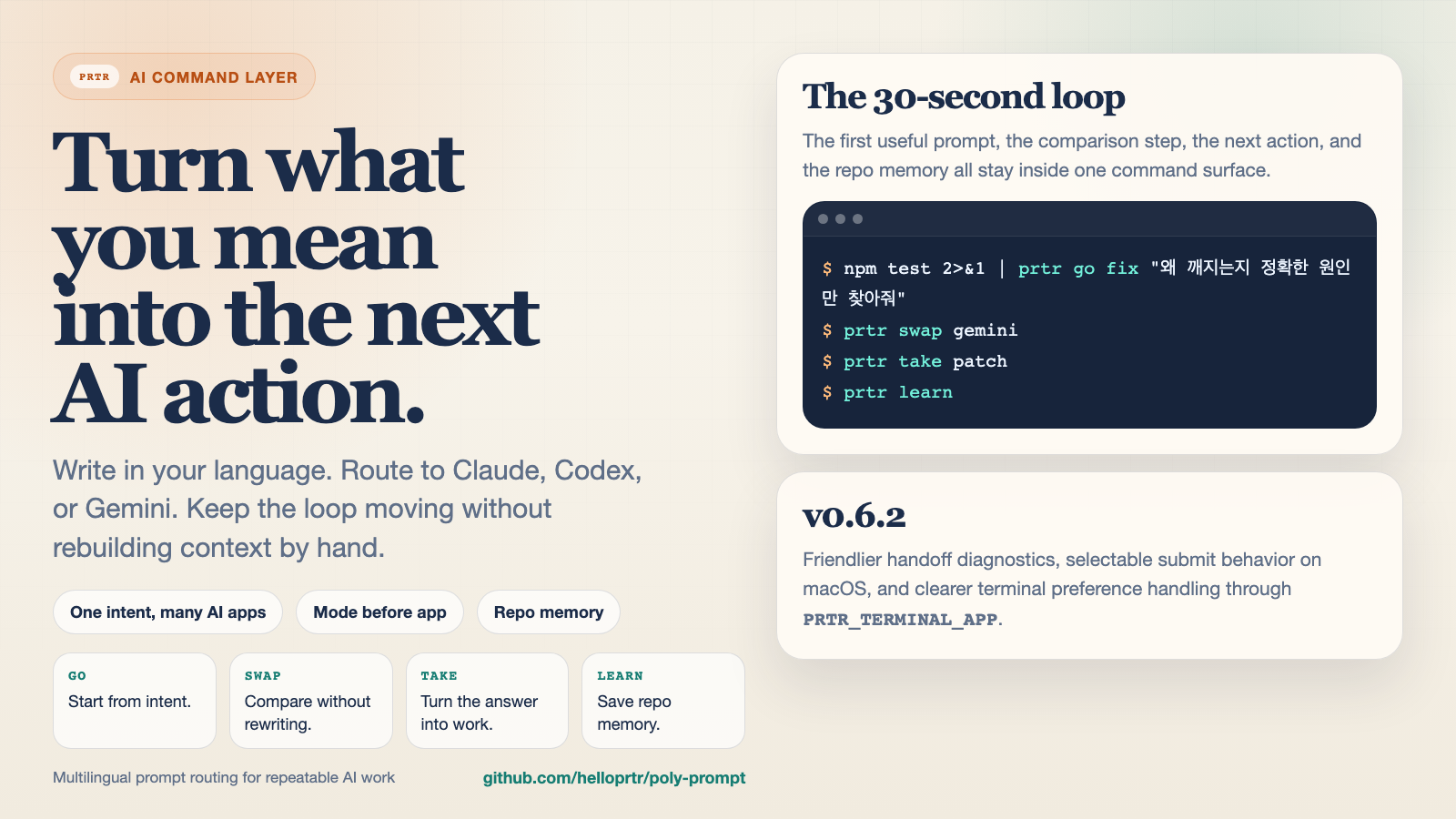
X card
The cleanest summary of the product story: one intent, another app, the next action, and repo memory.
Open X loop card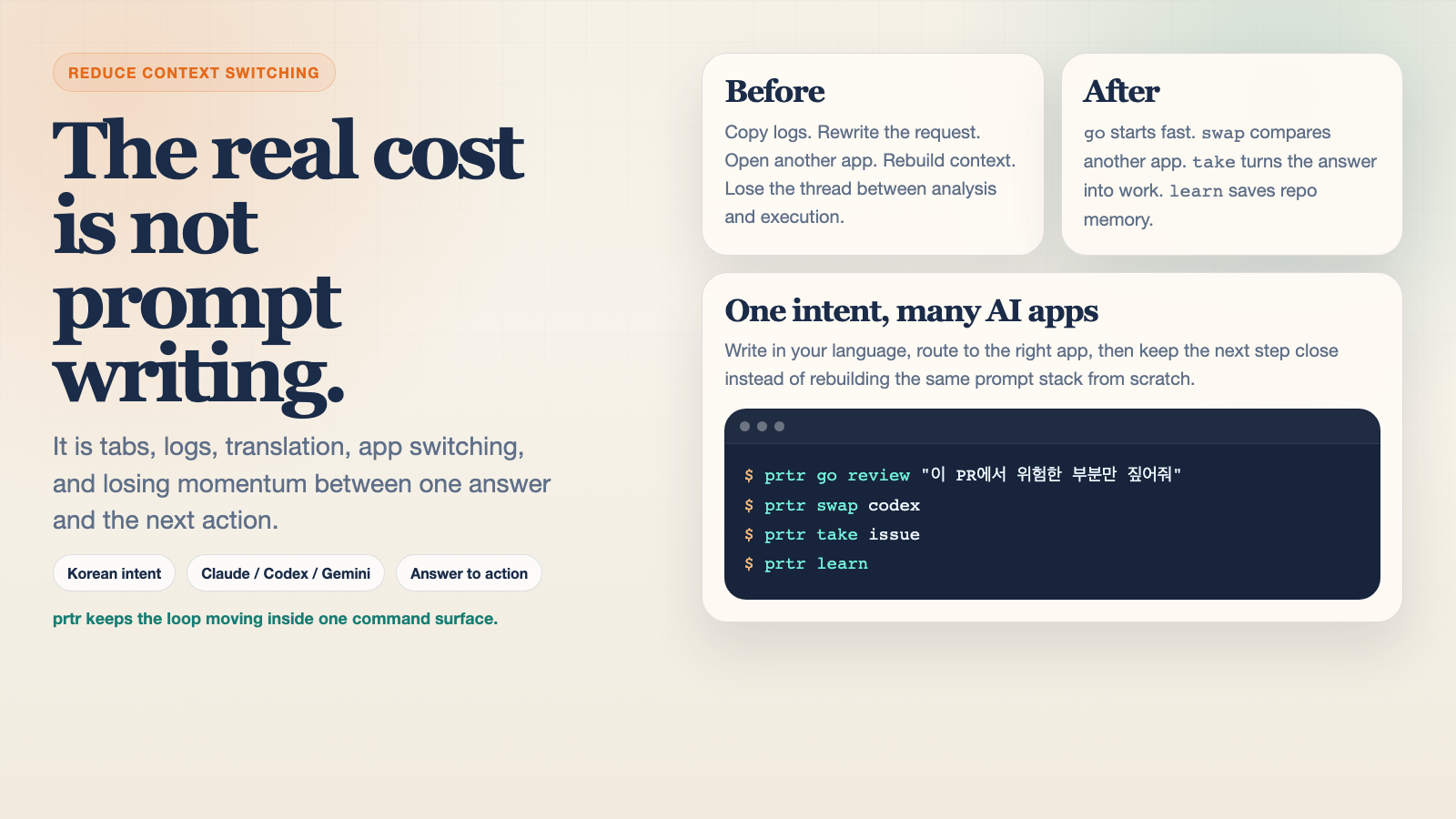
X card
A stronger before-versus-after framing for social posts about workflow friction and why prtr exists.
Open X compare card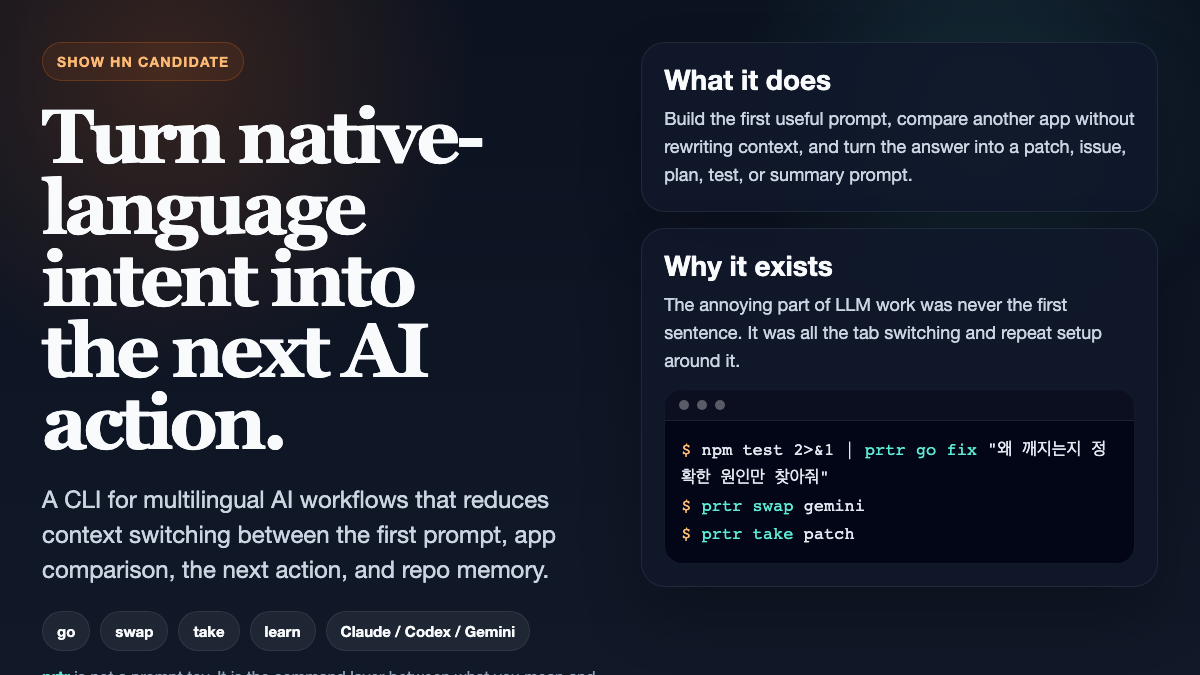
Show HN
A dark-mode thumbnail paired with title and body copy for Hacker News style launch posts.
Open Show HN thumbnail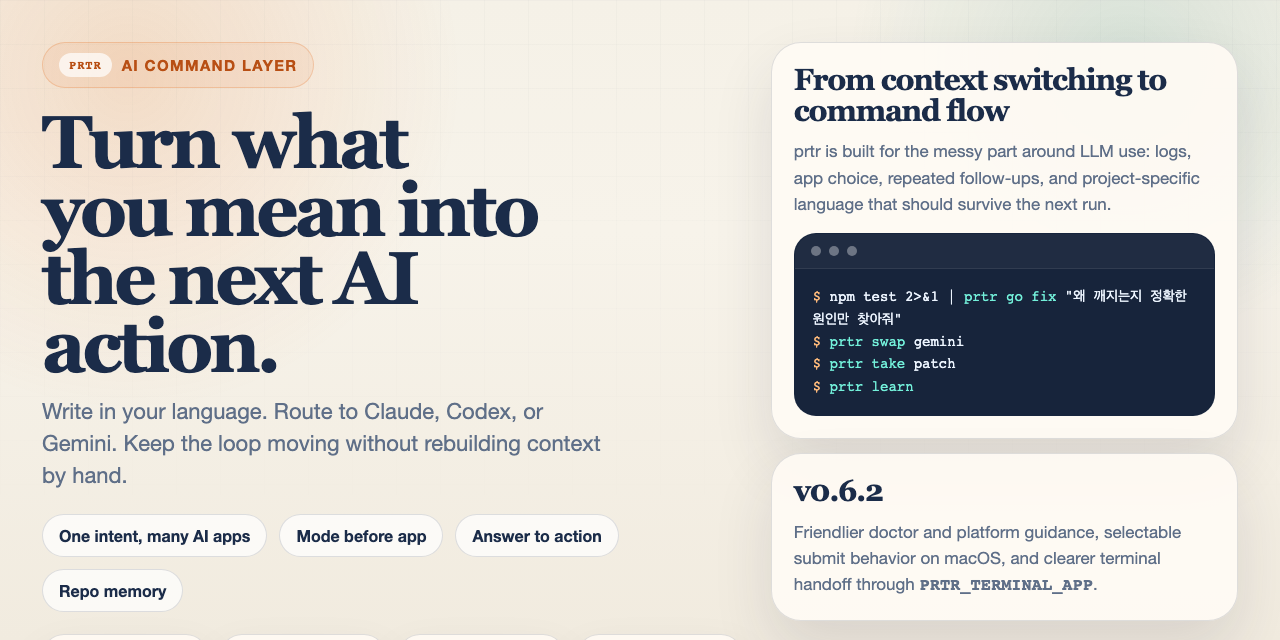
Copy pack
Ready-to-post X copy, Show HN title options, body draft, and the asset map in one reference doc.
Open promotion packReferences
These links connect the docs hub back to release communication, source, and the root narrative.
High-level product framing and quick-start path for new users.
Open readmeRelease-by-release product story from identity to repeatable workflow.
Open changelogInstallable binaries and tagged release history on GitHub.
Open releasesBrowse the repository directly when you want implementation detail or current project status.
Open source

